 Software & Drivers
How to Roll Back Faulty Drivers in Windows Device Manager
Revert to previous stable driver versions when a new graphics, audio, or network update causes instability.
Follow clear, step-by-step guides to fix printer, computer, mobile and software problems without complicated technical language.
Select a category to browse specialized step-by-step troubleshooting articles.
Browse troubleshooting guides and fixes.
Browse troubleshooting guides and fixes.
Browse troubleshooting guides and fixes.
Browse troubleshooting guides and fixes.
Browse troubleshooting guides and fixes.
Driver update utilities, universal printer drivers, PDF virtual printers, and queue clear tools.
Browse troubleshooting guides and fixes.
The most accessed step-by-step solutions verified by our technical editors.
Software & Drivers
Revert to previous stable driver versions when a new graphics, audio, or network update causes instability.
Software & Drivers
Resolve error codes 0x800F0950, 0x800F0906, and 0x800F081F when enabling .NET Framework 3.5 on Windows 11.
Software & Drivers
Install specialized hardware, flashing utilities, and legacy device drivers by bypassing WHQL signature enforcement.
Software & Drivers
Resolve code 43 errors on USB ports by disabling Fast Startup, power cycling USB controllers, and reinstalling root...
Software & Drivers
Flash motherboard firmware safely using USB drives and UEFI Flash utilities without bricking your computer.
Software & Drivers
Resolve "VCRUNTIME140.dll was not found" and 0xc000007b application errors by installing all official Visual C++ runtimes.
Designed for everyday users. No confusing jargon, just actionable solutions.
Search for your device, error code, or specific symptom.
Follow the numbered instructions step by step with visual screenshots.
Get your printer, computer, or device running properly again.
Recently added troubleshooting guides and updated operating system procedures.
Software & Drivers
Resolve code 43 errors on USB ports by disabling Fast Startup, power cycling USB controllers, and reinstalling root...
Software & Drivers
Flash motherboard firmware safely using USB drives and UEFI Flash utilities without bricking your computer.
Software & Drivers
Resolve "VCRUNTIME140.dll was not found" and 0xc000007b application errors by installing all official Visual C++ runtimes.
Software & Drivers
Fix missing DLLs, Windows update corruption, and random crashes using built-in system image servicing tools.
Software & Drivers
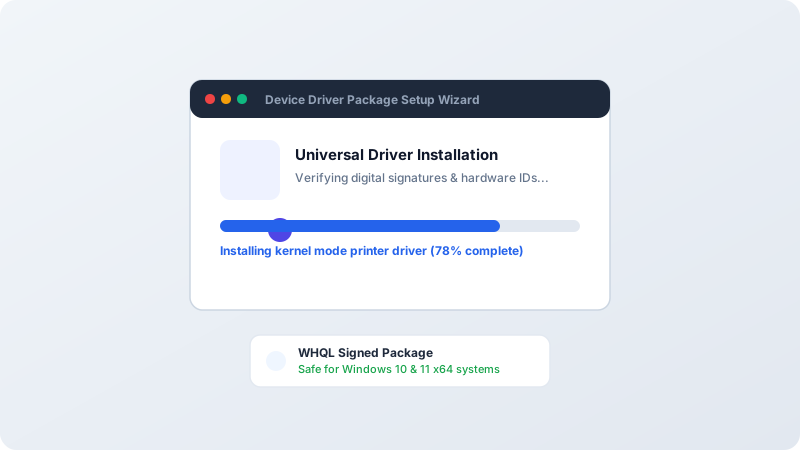
Deploy a single universal driver package to manage mixed printer fleets and eliminate model-specific driver bloat.
Software & Drivers
Restore missing native refresh rates (144Hz/240Hz), fix distorted aspect ratios, and install OEM monitor INF drivers.